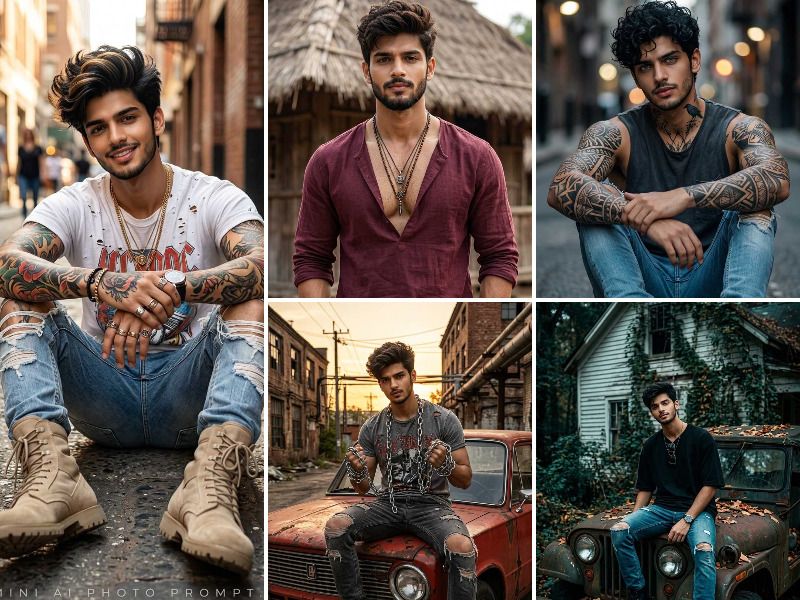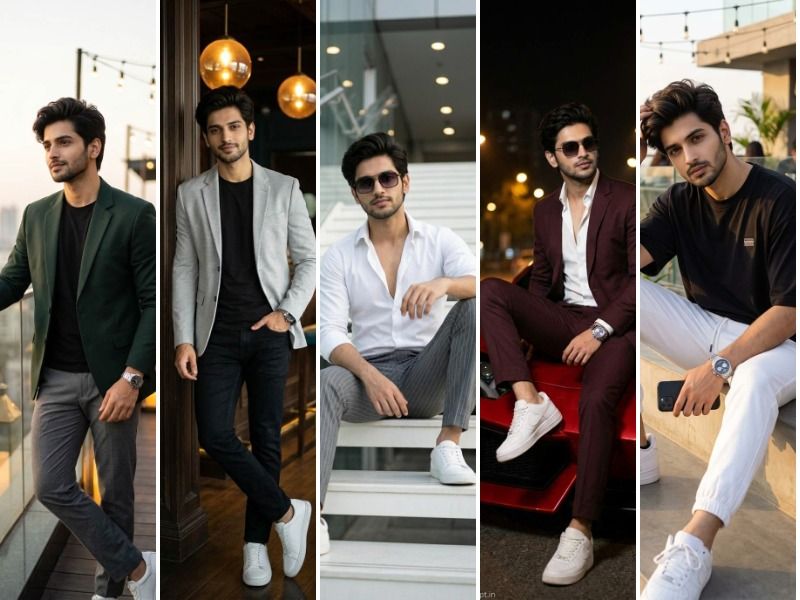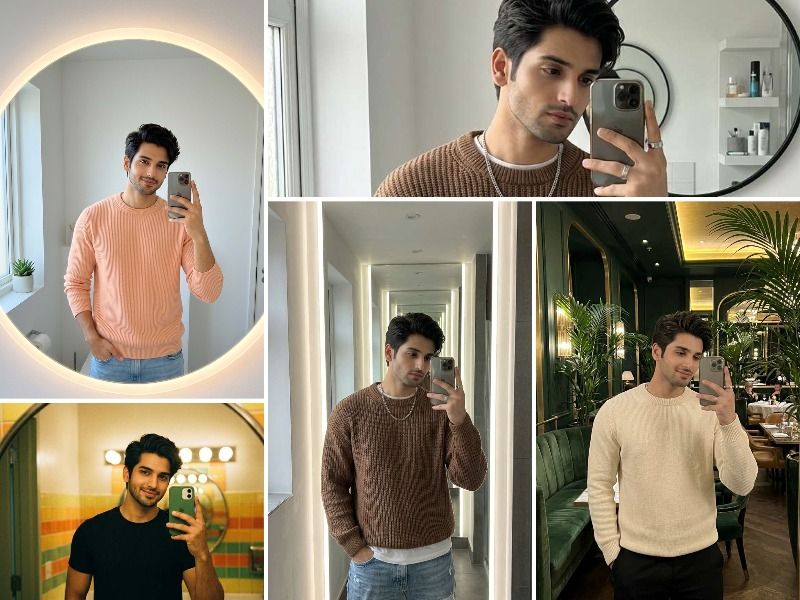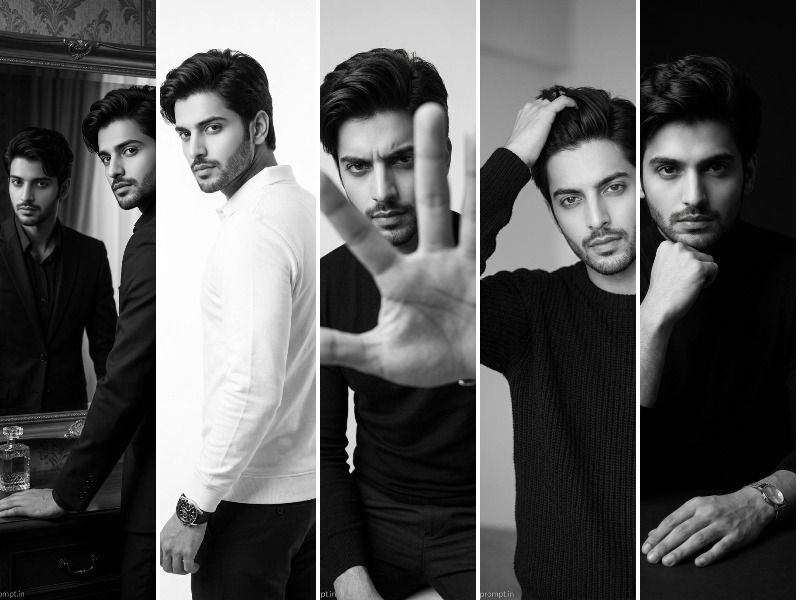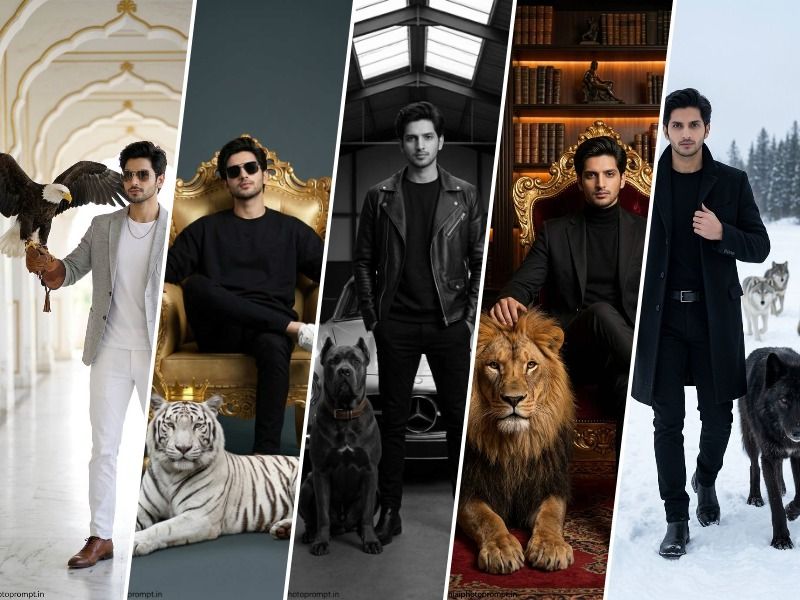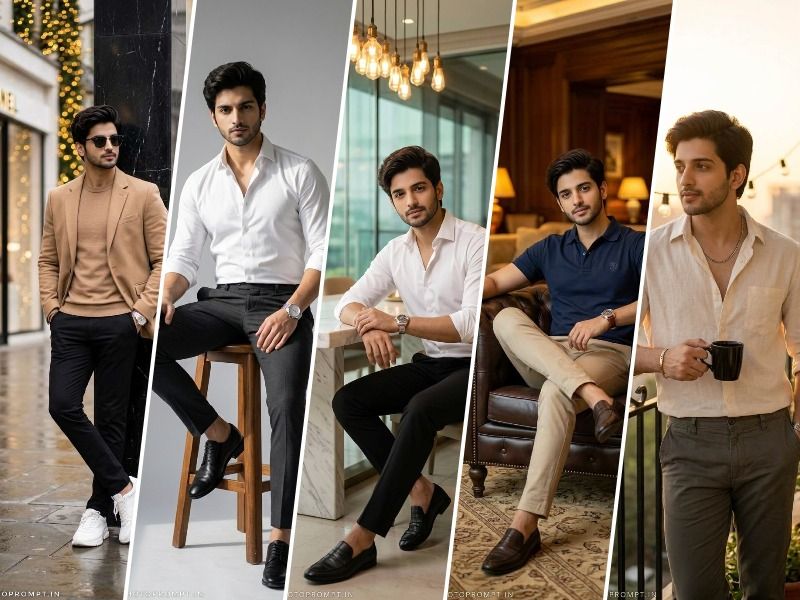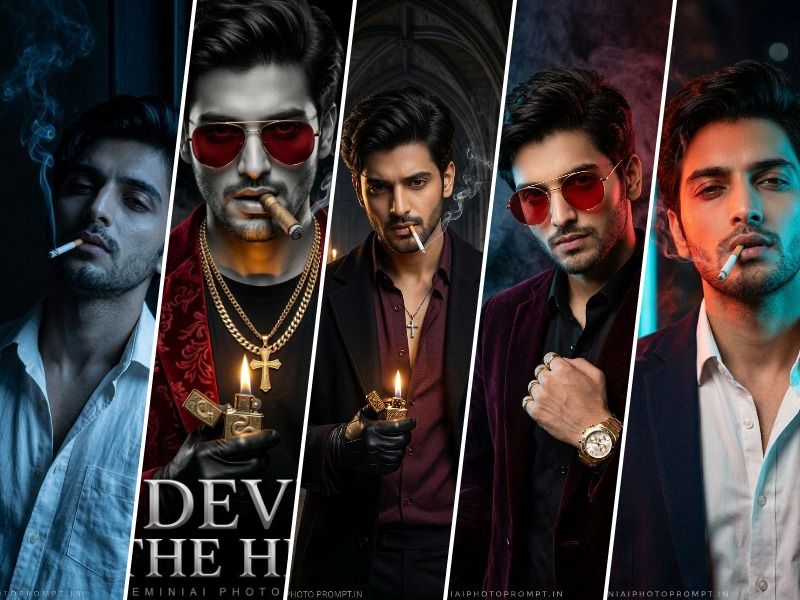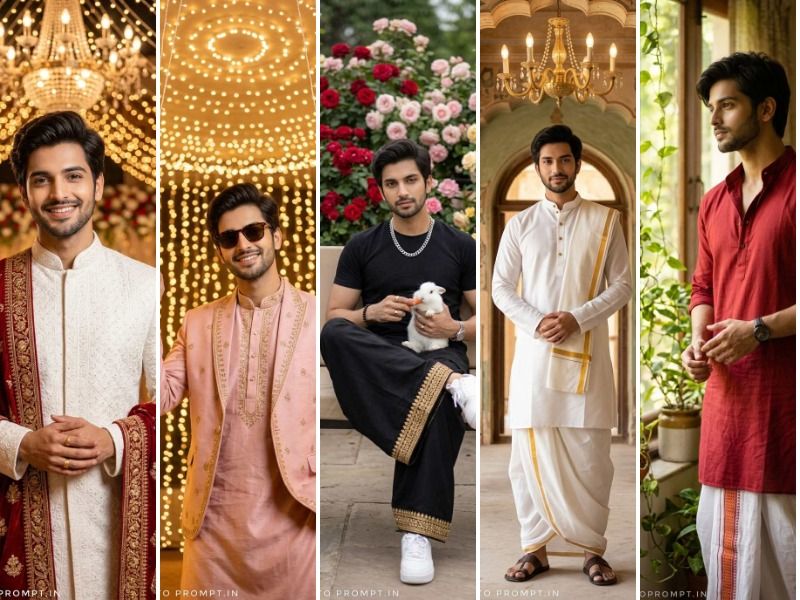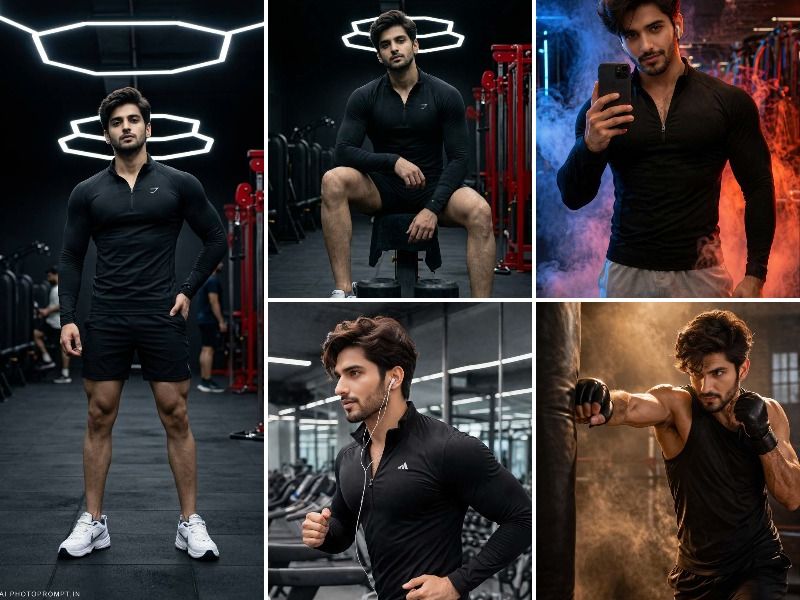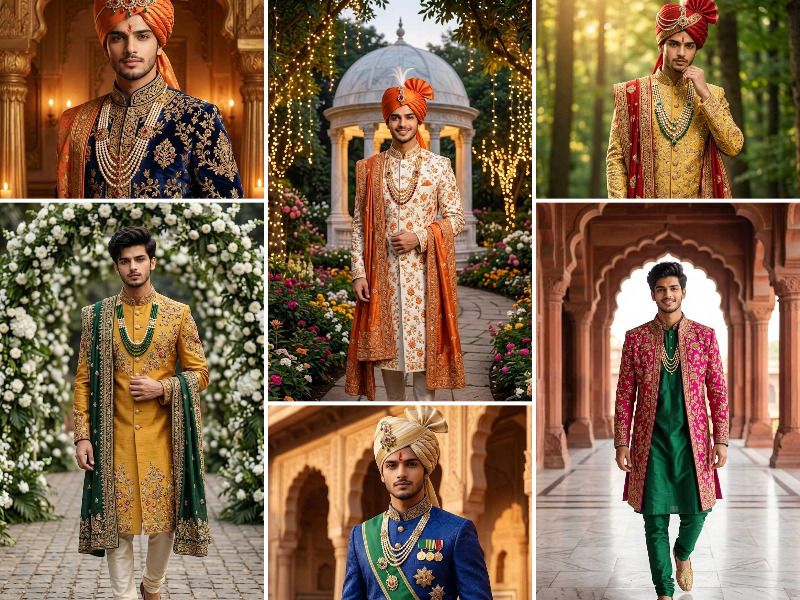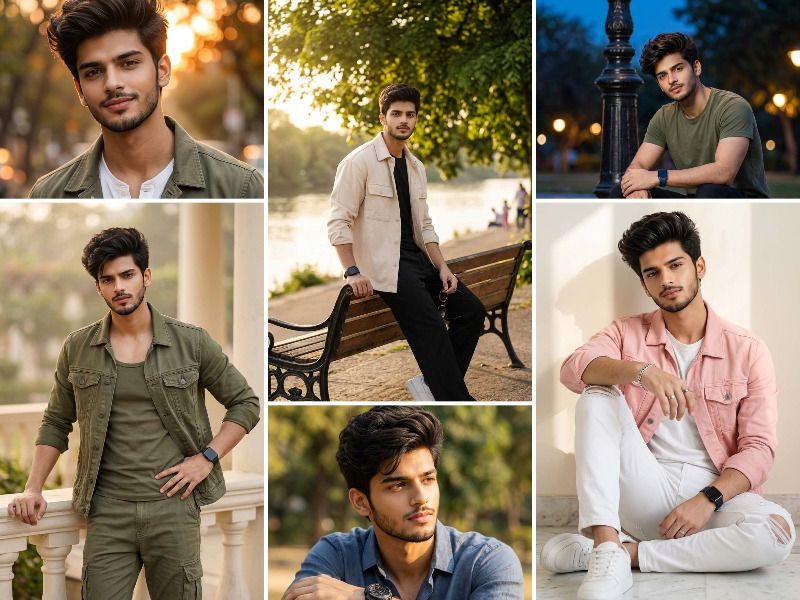
Looking for the best Gemini AI photo prompt for boy copy and paste? This guide provides ready-to-use Google Gemini prompts to generate photorealistic trending boy portraits with face-reference accuracy, detailed outfit descriptions including denim jackets, utility shirts, cargo pants and sneakers, cinematic background settings like golden hour streets, riverside park benches, evening city steps, and balcony railings. Each Gemini AI boy photo prompt is structured with hair detail, beard style, outfit layering, accessory description, lighting condition, face anchoring phrase, and 9:16 aspect ratio for mobile-optimized output. Simply copy, paste, upload your photo and generate stunning results. Powered by Geminiaiphotoprompt.in
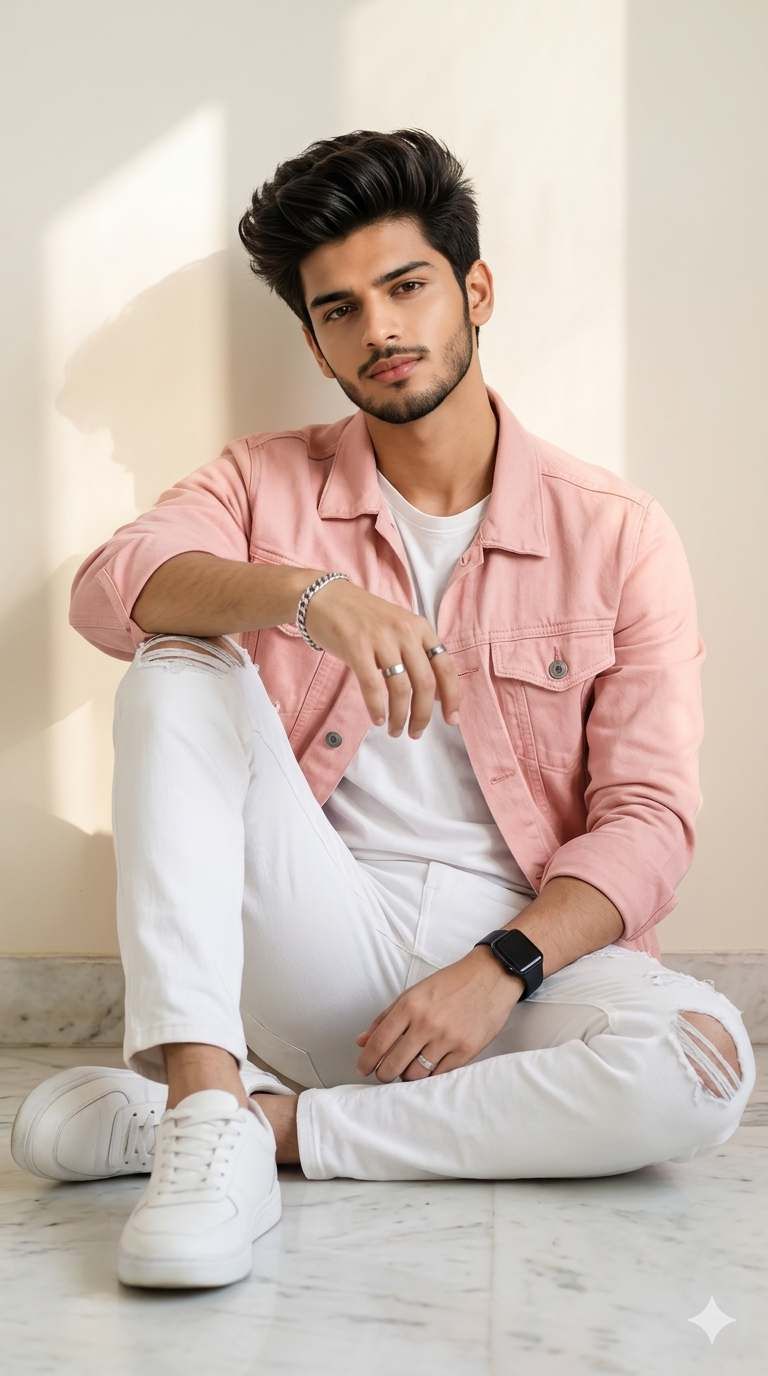
A photorealistic solo male portrait of MAN, a handsome young Indian man with short neatly styled dark brown voluminous hair brushed upward, a well-groomed short beard and mustache, sharp jawline, warm wheatish skin tone, wearing a soft pink denim jacket over a plain white crew neck t-shirt, white ripped distressed jeans, and clean white sneakers, a silver chain bracelet on one wrist and a silver ring on one finger and a black smartwatch on the other wrist, sitting casually on a clean white marble floor leaning his back against a plain cream white wall with soft natural sunlight casting a diagonal shadow across the wall behind him, one knee raised with elbow resting on it, looking directly at the camera with a calm confident expression. The man's face is 100% identical to the uploaded reference image — same facial structure, same eyes, same beard style, same skin tone, same hair. Soft warm indoor natural light, clean minimal aesthetic, ultra-realistic fashion portrait photography, 8K sharp detail. Aspect ratio 9:16. Geminiaiphotoprompt.in
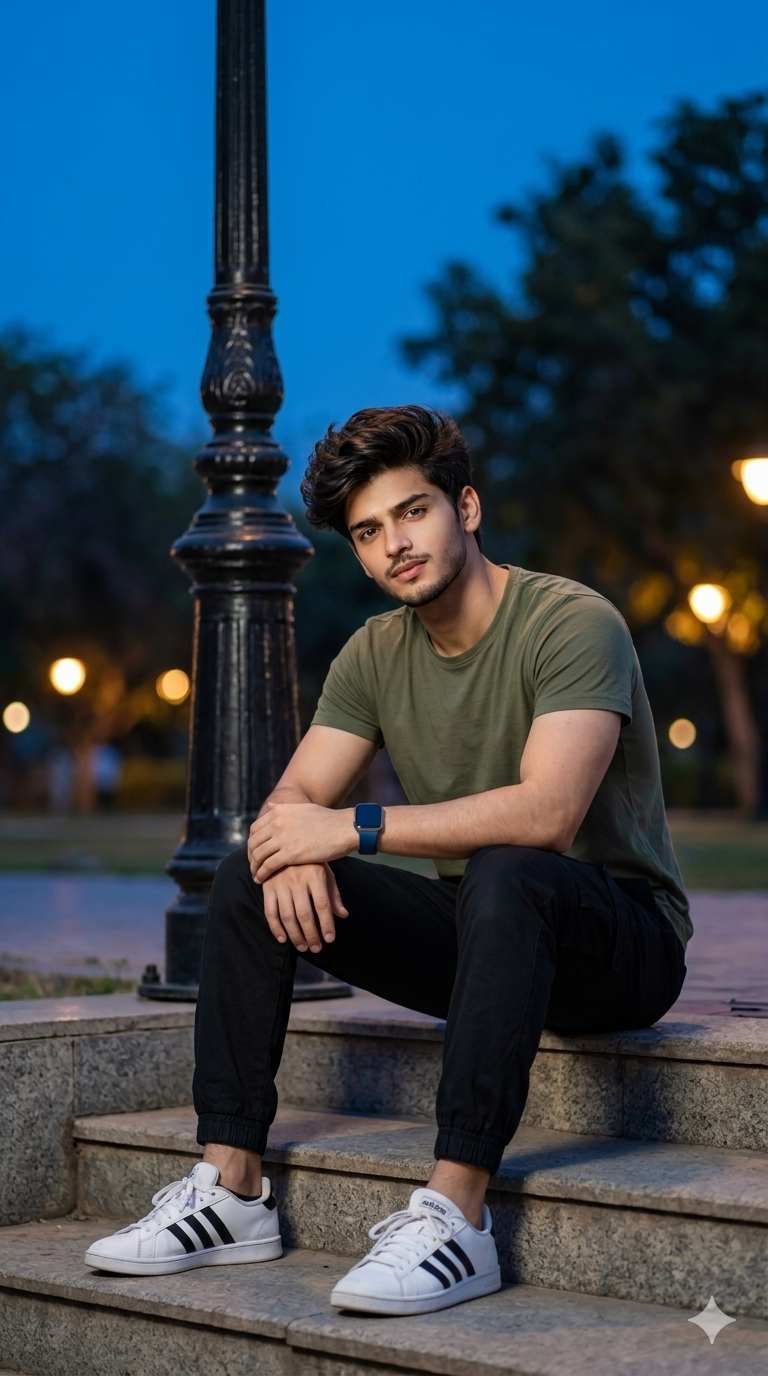
A photorealistic solo male portrait of MAN, a handsome young Indian man with short dark brown wavy hair, light stubble beard, warm skin tone, wearing a solid olive green crew neck t-shirt, black jogger pants with elastic cuffs, and white Adidas sneakers with black three stripes, a blue smartwatch on his left wrist, sitting relaxed on concrete stone steps in an outdoor city park during blue hour evening, leaning forward with both hands clasped together resting on his knees, a tall vintage black iron street lamp post visible beside him, warm glowing park lights visible in the background as soft bokeh orbs, dark blue evening sky and blurred green trees filling the background. The man's face is 100% identical to the uploaded reference image — same face, same eyes, same beard, same hair, same skin tone. Cool blue hour outdoor lighting with warm lamp glow, cinematic urban evening portrait, ultra-realistic photography quality. Aspect ratio 9:16. Geminiaiphotoprompt.in
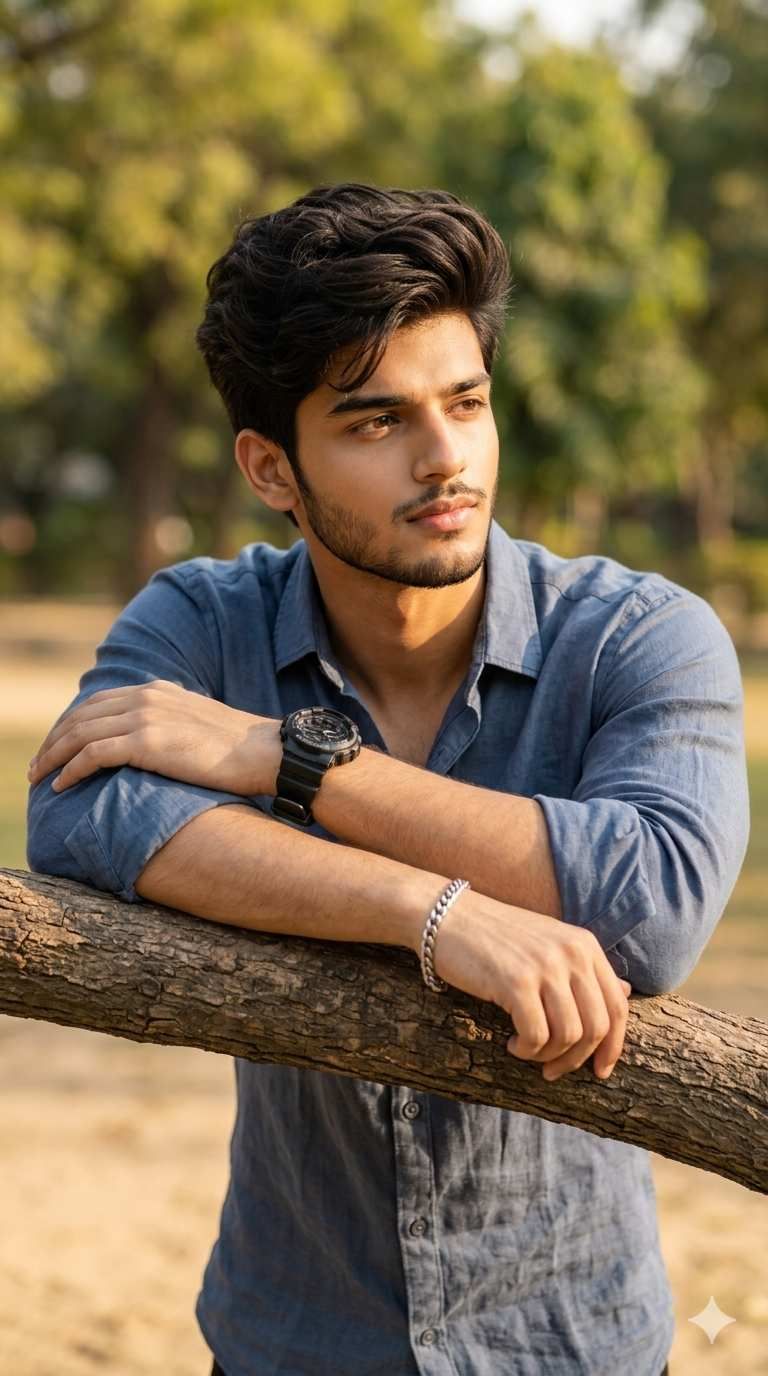
A photorealistic solo male portrait of MAN, a handsome young Indian man with thick dark wavy styled hair, a full well-shaped short beard, sharp facial features, light skin tone, wearing a steel blue full-sleeve casual linen shirt with sleeves rolled up slightly, a chunky black sports wristwatch on one wrist and a silver chain bracelet on the other, leaning forward with both crossed forearms resting on a thick horizontal tree branch in a sunny outdoor park, gazing thoughtfully sideways away from the camera with a calm and composed expression, soft blurred golden bokeh park background with green trees and dry sandy ground visible behind him, warm afternoon sunlight falling on his face from the side. The man's face is 100% identical to the uploaded reference image — same features, same thick beard, same hair, same sharp jawline, same complexion. Warm natural side lighting, cinematic outdoor editorial portrait, soft bokeh background, ultra-realistic 8K quality. Aspect ratio 9:16. Geminiaiphotoprompt.in
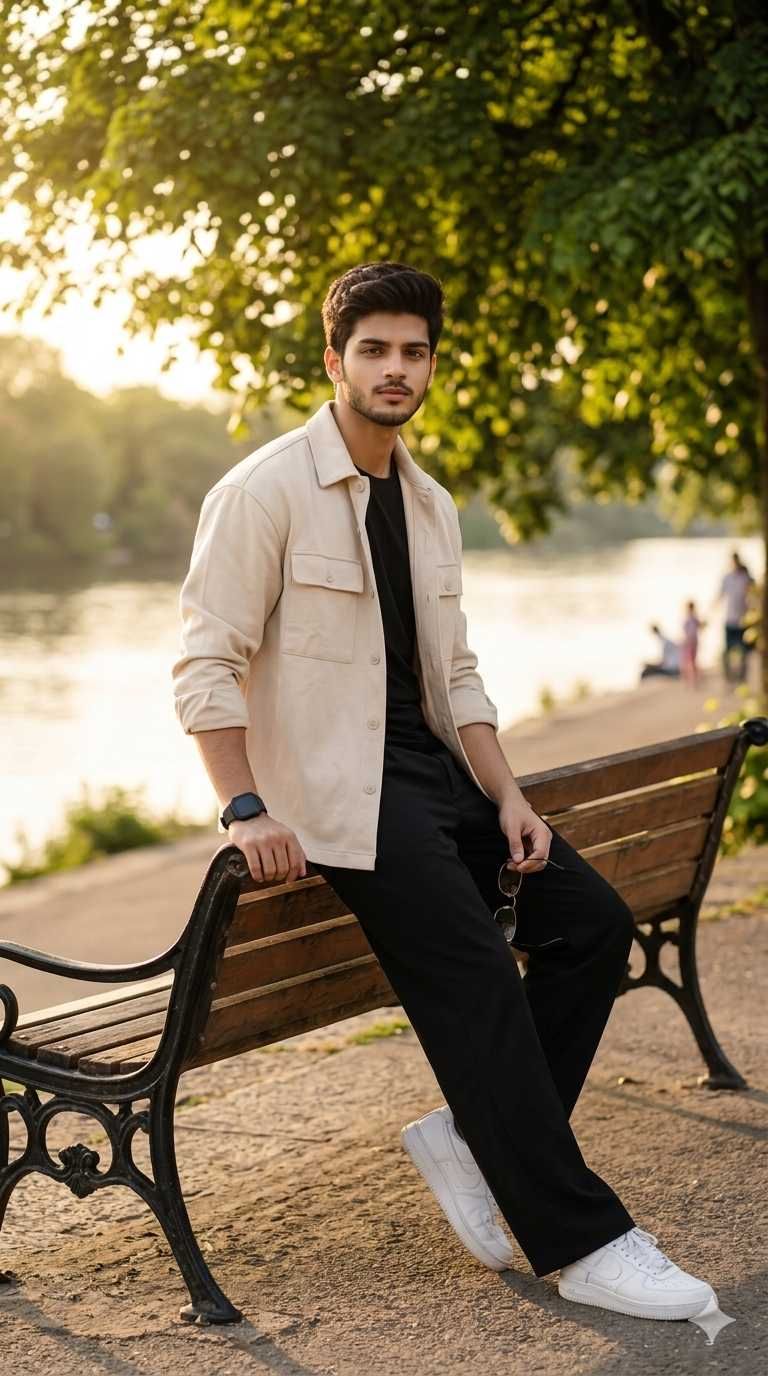
A photorealistic solo male portrait of MAN, a handsome young Indian man with short dark neatly styled hair, a short trimmed beard, warm skin tone, wearing a cream beige oversized casual overshirt jacket with chest pockets over a plain black crew neck t-shirt, black wide-leg trousers, and clean white leather sneakers, a black digital wristwatch on one wrist, holding a pair of sunglasses loosely in one hand, sitting in a relaxed sideways lean on a rustic old wooden and black iron park bench along a riverside pathway, one arm resting on the back of the bench, looking directly at the camera with a calm neutral expression, lush green park trees with golden sunlight filtering through the leaves behind him, a calm river or lake visible in the blurred background with a few blurred people with completely different and unique faces walking in the far distance. The man's face is 100% identical to the uploaded reference image — same face, same beard, same hair, same skin tone, same jawline. Warm golden hour natural light, cinematic outdoor lifestyle portrait, ultra-realistic photography. Aspect ratio 9:16. Geminiaiphotoprompt.in
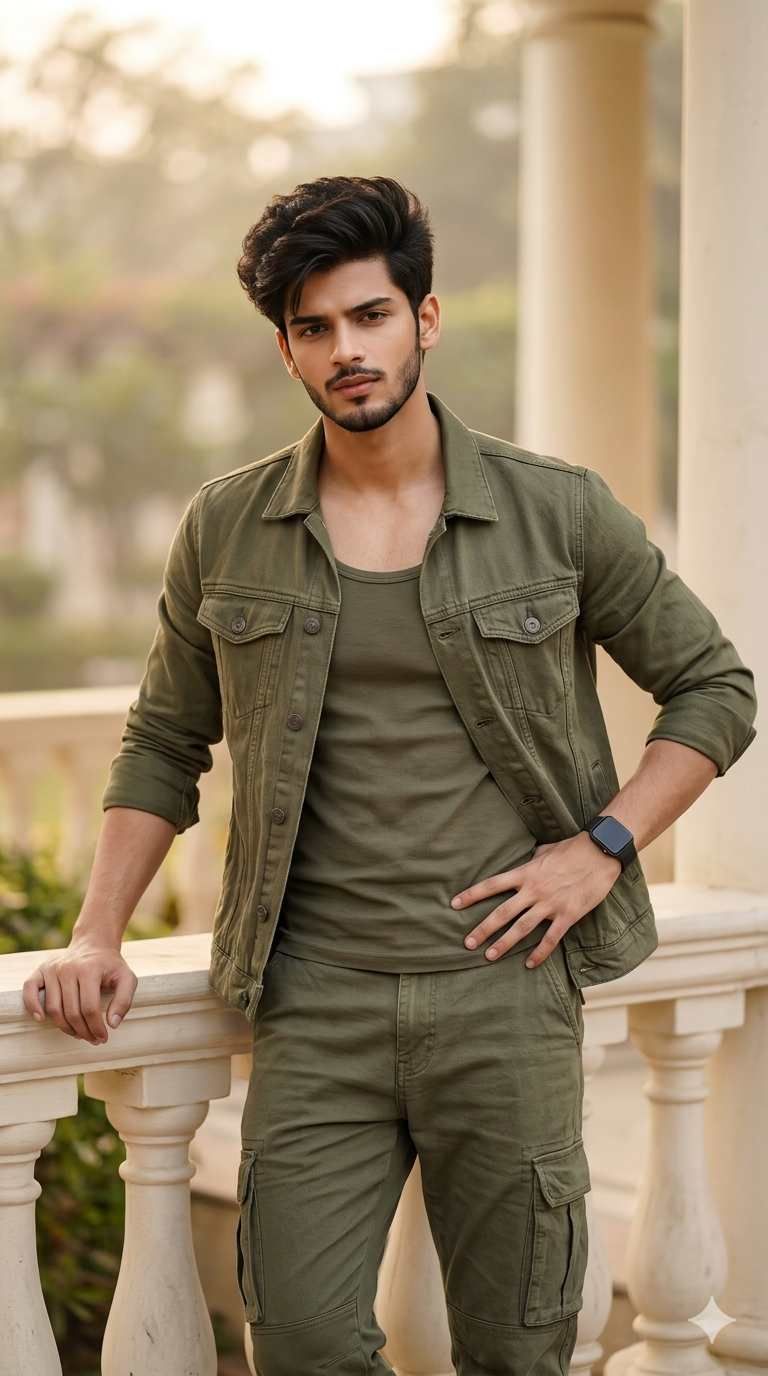
A photorealistic solo male portrait of MAN, a handsome young Indian man with short dark voluminous neatly quiffed hair, a sharp well-defined short beard, strong jawline, fair wheatish skin tone, wearing a full olive green coordinated outfit consisting of an open olive green denim utility jacket over a matching olive green round neck tank top and olive green cargo pants with side pockets, a black square smartwatch on his left wrist, standing in a confident relaxed pose leaning against a cream white stone balustrade railing with one hand resting on the railing and the other hand on his hip, looking directly at the camera with an intense confident expression, soft blurred outdoor garden or heritage building courtyard in the background with cream stone pillars visible in a warm hazy bokeh. The man's face is 100% identical to the uploaded reference image — same facial structure, same sharp beard, same hair style, same strong jawline, same complexion. Soft diffused outdoor daylight, premium fashion editorial photography, cinematic depth, ultra-realistic 8K detail. Aspect ratio 9:16. Geminiaiphotoprompt.in
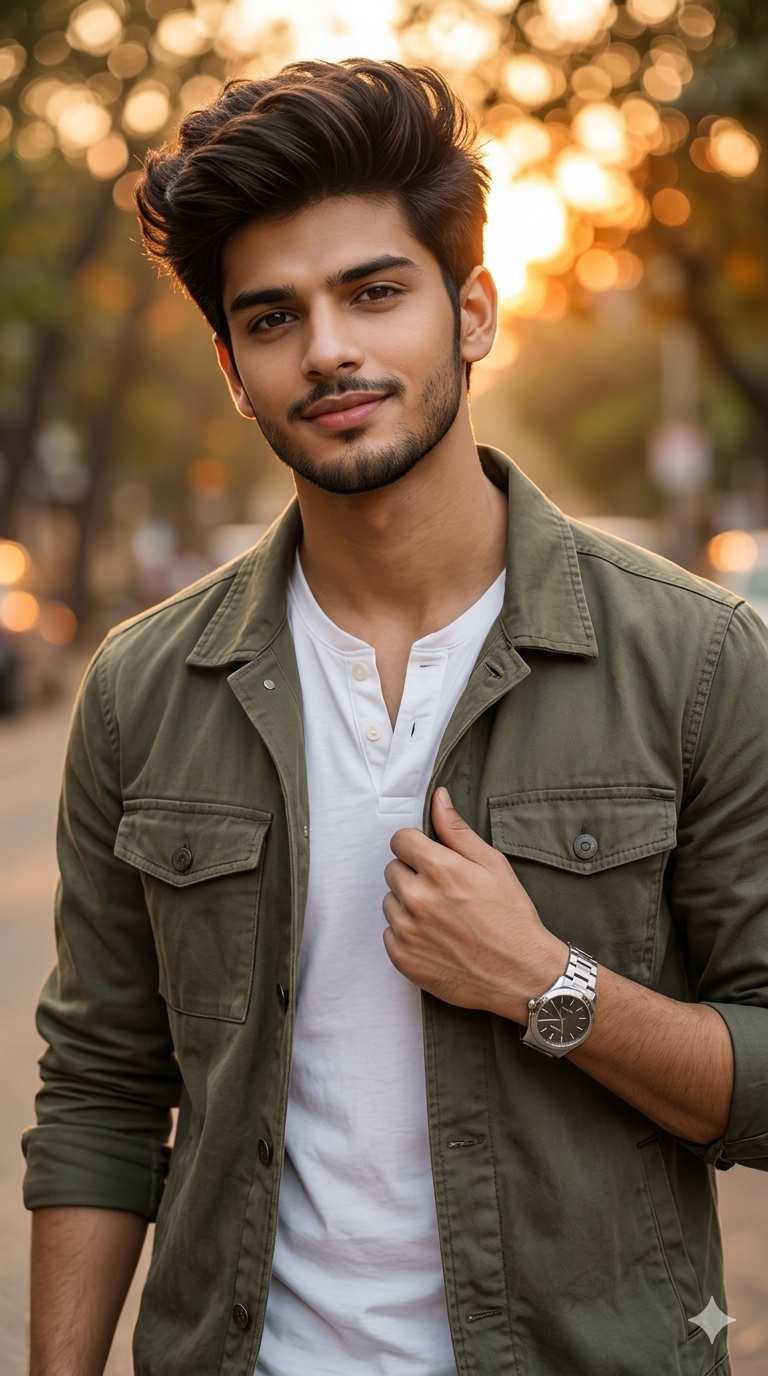
A photorealistic solo male portrait of MAN, a handsome young Indian man with tall voluminous dark brown hair styled upward with natural texture, a light short beard and mustache, deep brown eyes, sharp features, warm golden skin tone, wearing an open olive green military utility jacket with snap buttons and chest pockets over a white Henley button-neck t-shirt, a silver stainless steel bracelet wristwatch on his left wrist, standing outdoors on a tree-lined street or pathway during golden hour sunset, one hand gripping the lapel of his jacket in a casual confident pose, looking directly at the camera with a soft natural smile, warm glowing golden bokeh light from the setting sun filtering through the blurred trees in the background creating beautiful circular bokeh orbs of orange and gold light. The man's face is 100% identical to the uploaded reference image — same face, same voluminous hair, same beard, same deep eyes, same jawline, same warm skin tone. Warm cinematic golden hour backlit lighting, premium outdoor fashion editorial portrait, ultra-sharp photorealistic 8K quality. Aspect ratio 9:16. Geminiaiphotoprompt.in