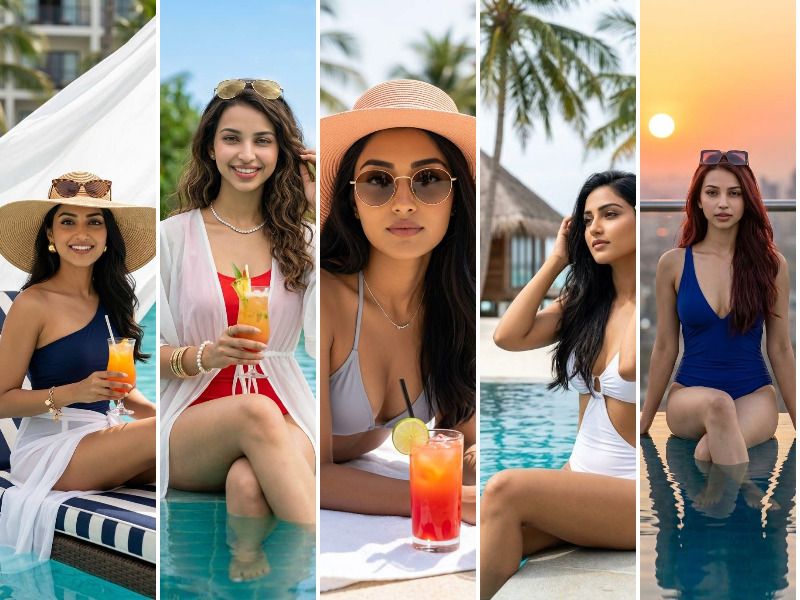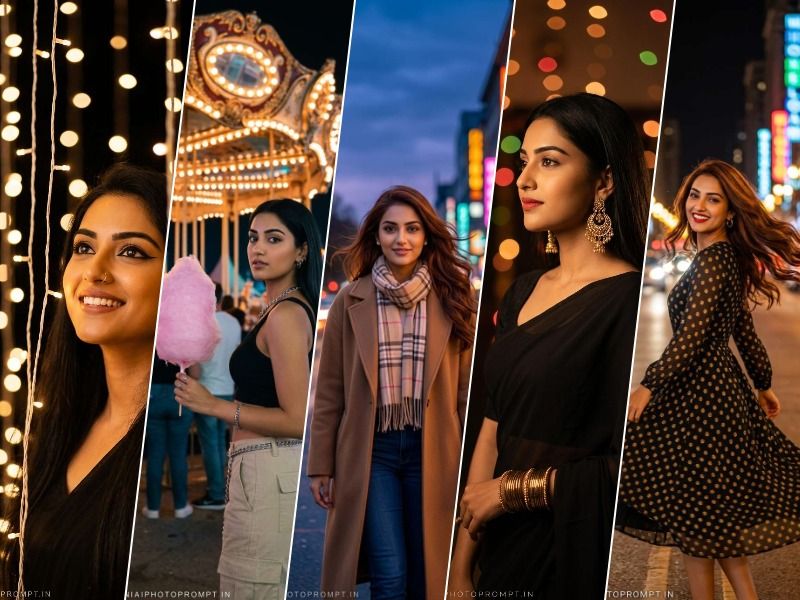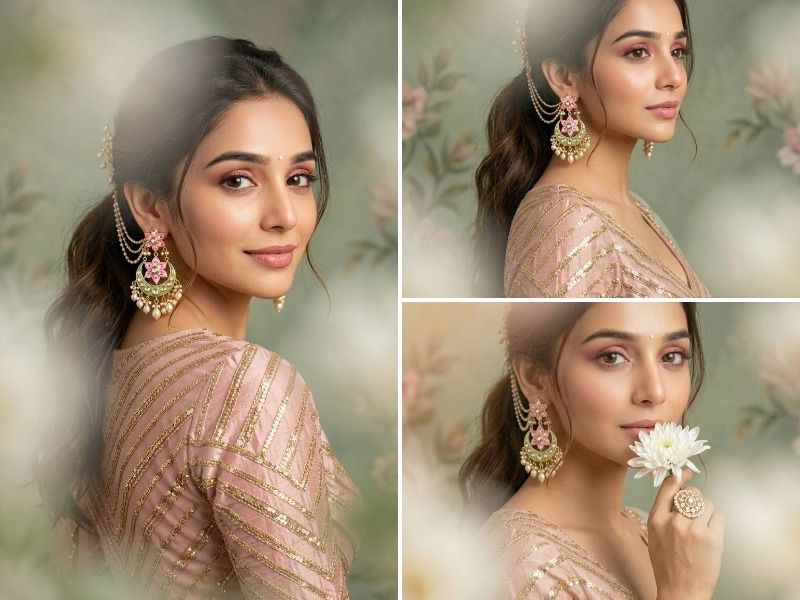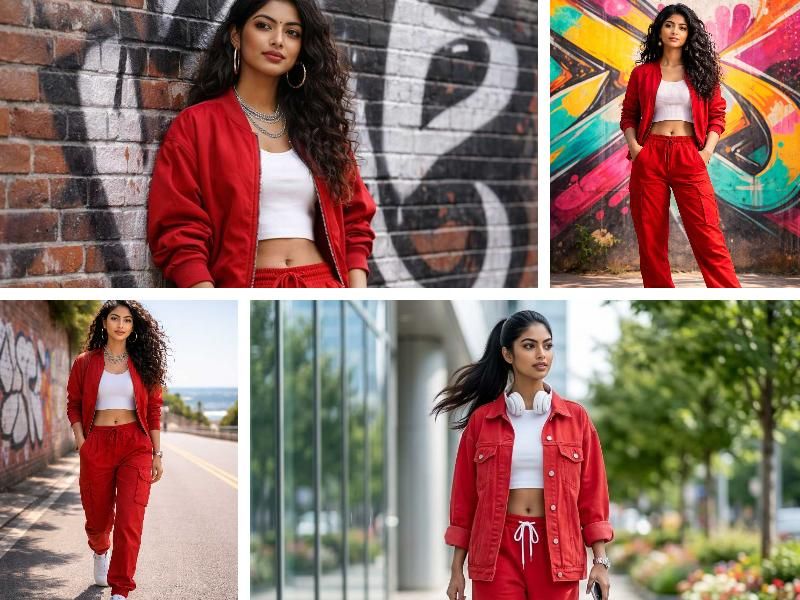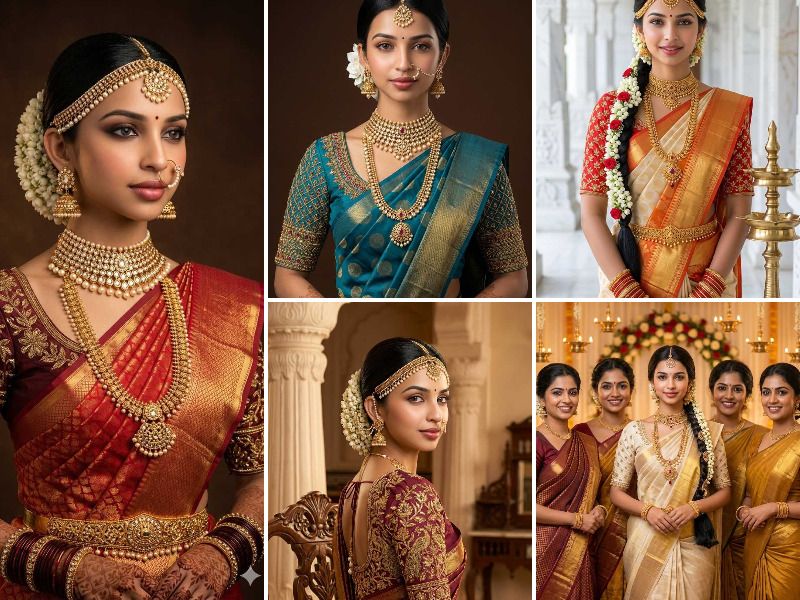
Looking for the perfect South Indian bride prompt for Google Gemini? This guide provides ready-to-use AI prompts to generate photorealistic South Indian bride saree portraits with face accuracy, Kanjivaram silk saree details, gold temple jewelry, jasmine gajra hair, mathapatti headpiece, and authentic wedding backdrops including mandap, temple corridor, and studio settings. Each South Indian bride Gemini prompt is structured with outfit color, blouse embroidery detail, jewelry list, hair style, background environment, lighting type, and 9:16 aspect ratio for mobile-optimized output. Whether you want a solo bridal portrait or a full mandap scene, these prompts deliver cinematic ultra-realistic results. Powered by Geminiaiphotoprompt.in
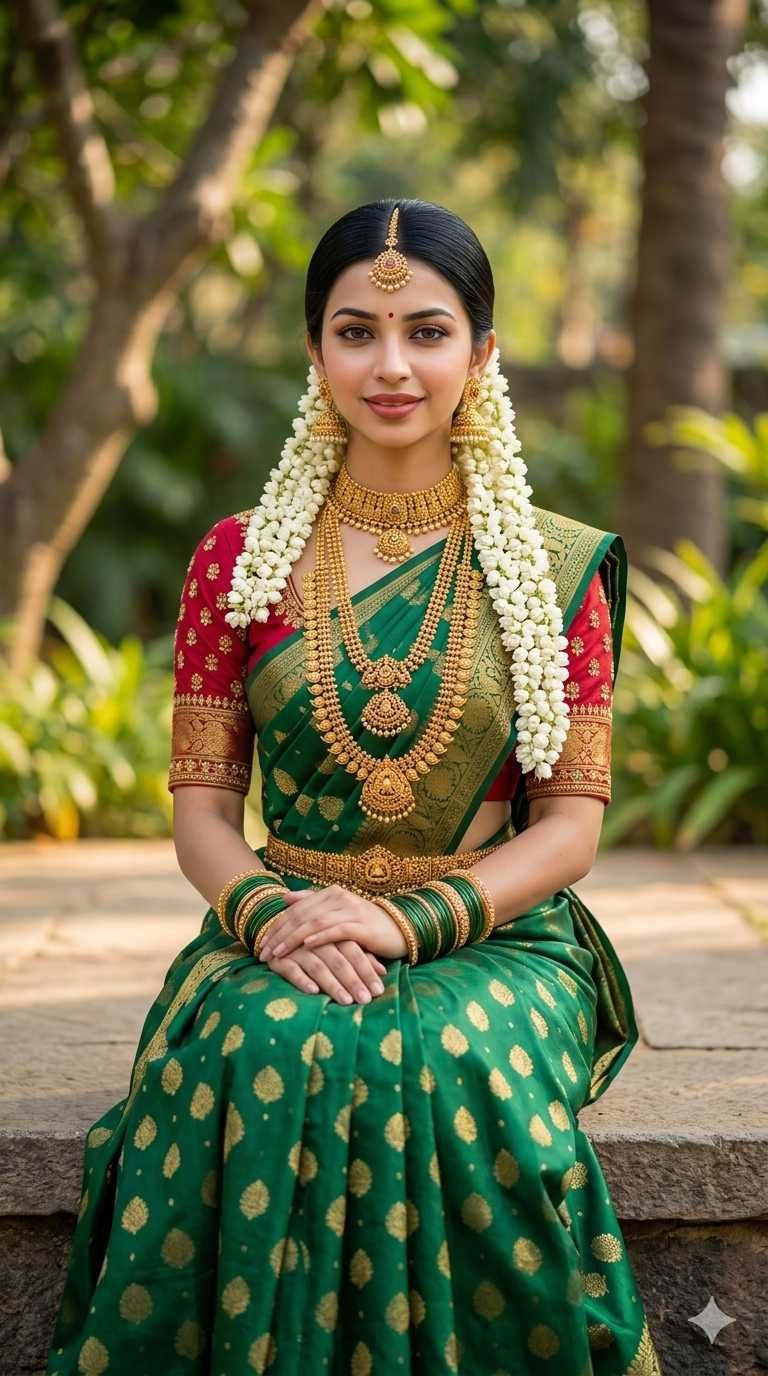
A photorealistic South Indian bridal portrait of BRIDE, a beautiful Indian bride with neatly slicked back black hair in a low bun adorned with a long white jasmine gajra, wearing a rich emerald green Kanjivaram silk saree with gold zari buttas and a deep crimson red embroidered blouse, sitting gracefully on a stone platform with hands folded on her lap, wearing layered gold temple jewelry including a long haar, choker necklace, maang tikka, gold jhumka earrings, green and gold bangles, and a gold waist belt, with a soft natural green garden and blurred trees in the background. The bride's face is 100% identical to the uploaded reference image — same facial structure, same eyes, same lips, same skin tone, same expression. Soft natural daylight, cinematic outdoor wedding photography, ultra-realistic, 8K sharp detail. Aspect ratio 9:16. Geminiaiphotoprompt.in
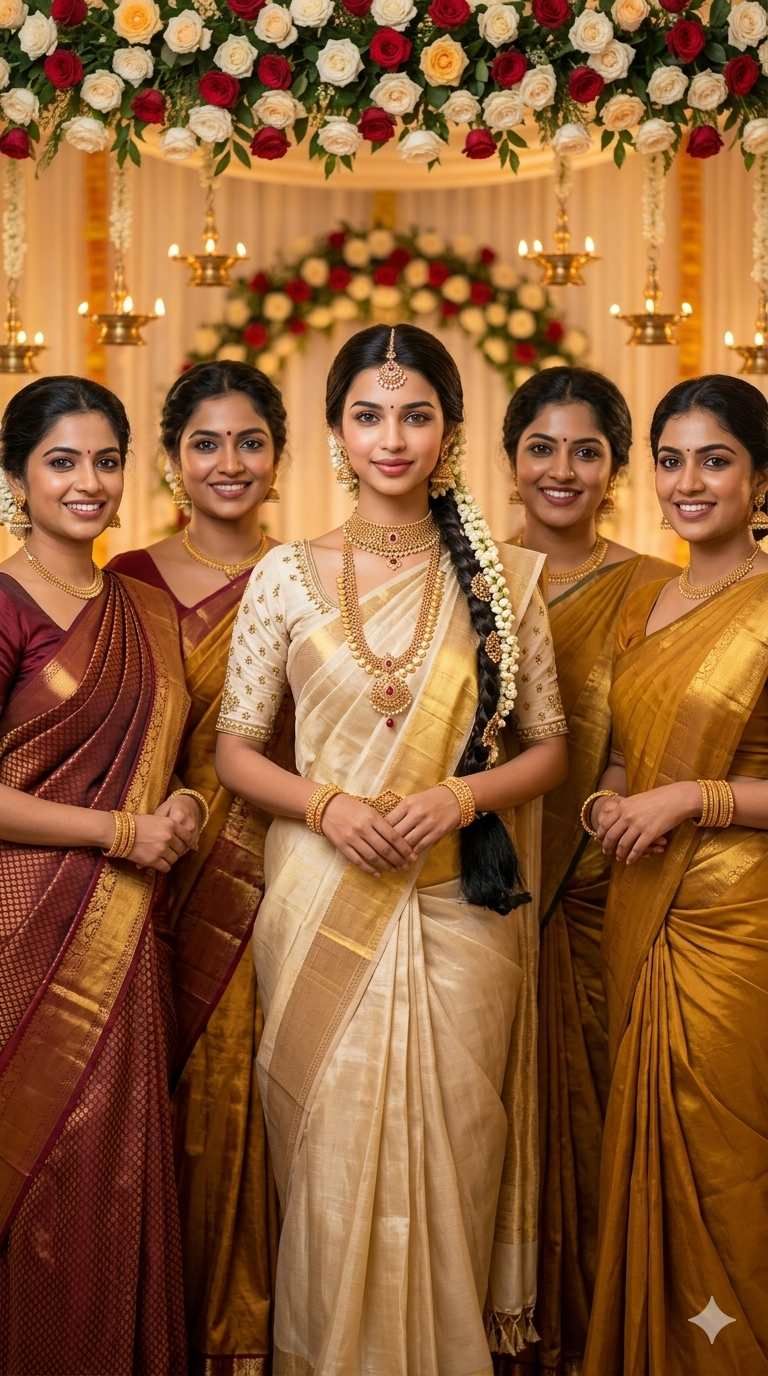
A photorealistic South Indian bridal portrait of BRIDE , a beautiful Indian bride wearing a cream and gold Kerala tissue Kanjivaram silk saree with gold zari border, a cream embroidered blouse, long braided hair with jasmine and gold hair chain accessories falling over one shoulder, wearing an elaborate gold long haaram necklace with ruby pendant, gold choker, maang tikka, gold jhumka earrings, and gold bangles, standing confidently in the center of a decorated wedding mandap with warm white and red rose floral backdrop and glowing diyas, flanked by 2 women on each side wearing different gold and maroon silk sarees with different faces and unique features, hairstyles, and expressions, all smiling warmly. The bride's face is 100% identical to the uploaded reference image — same facial features, same skin tone, same eyes, same gentle smile. All background women have fully distinct and unique faces. Warm mandap lighting, ultra-realistic Indian wedding photography. Aspect ratio 9:16. Geminiaiphotoprompt.in
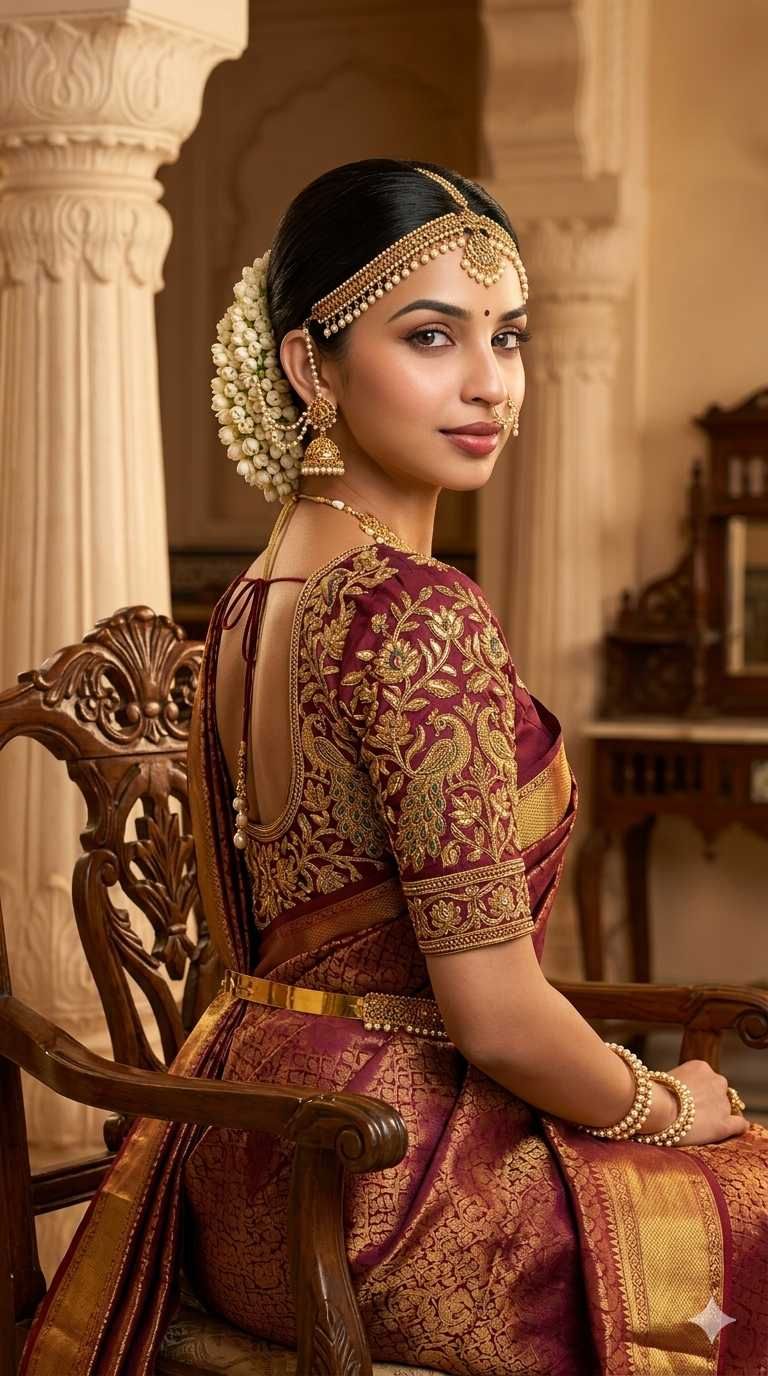
A photorealistic South Indian bridal portrait of BRIDE, a beautiful Indian bride photographed from a three-quarter back angle, wearing a rich maroon and gold Kanjivaram silk saree with intricate gold zari temple motif embroidery on the blouse featuring peacock and floral designs, hair in a sleek low bun adorned with white jasmine flowers, wearing a gold mathapatti headpiece with pearl drops, gold jhumka earrings with pearl chain nath nose ring, gold hip belt, pearl and gold bangles, sitting on a carved wooden antique chair inside a warm palace-style interior with cream carved pillars and wooden furniture in the background, looking gracefully over her shoulder toward the camera. The bride's face is 100% identical to the uploaded reference image — same face, same eyes, same lips, same skin tone. Warm studio lighting, cinematic moody atmosphere, ultra-sharp photorealistic detail. Aspect ratio 9:16. Geminiaiphotoprompt.in
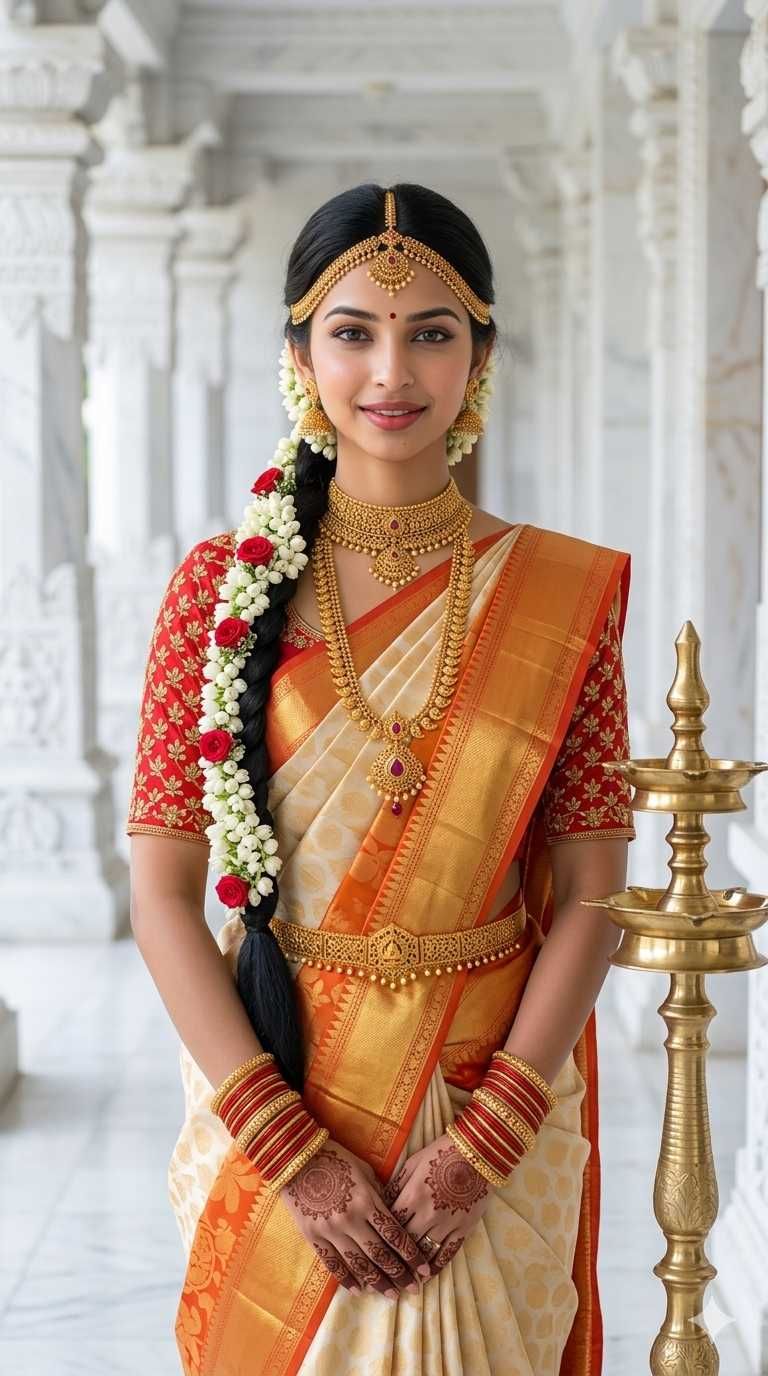
A photorealistic South Indian bridal portrait of BRIDE, a beautiful Indian bride with a long thick black braid decorated with white jasmine flowers and small red roses falling over her left shoulder, wearing a cream and orange Kanjivaram pattu silk saree with gold zari border and a red embroidered blouse with gold floral pattern, wearing a full set of gold bridal jewelry including a gold choker, long gold temple haaram necklace with ruby center pendant, gold mathapatti, gold jhumka earrings, gold hip belt, and red and gold bangles with mehndi on both hands, standing in a white marble temple corridor with tall white carved stone pillars and a brass deepam lamp visible beside her, smiling softly at the camera. The bride's face is 100% identical to the uploaded reference image — same features, same complexion, same warm smile, same eyes. Bright soft daylight, clean white background, ultra-realistic premium wedding photography. Aspect ratio 9:16. Geminiaiphotoprompt.in
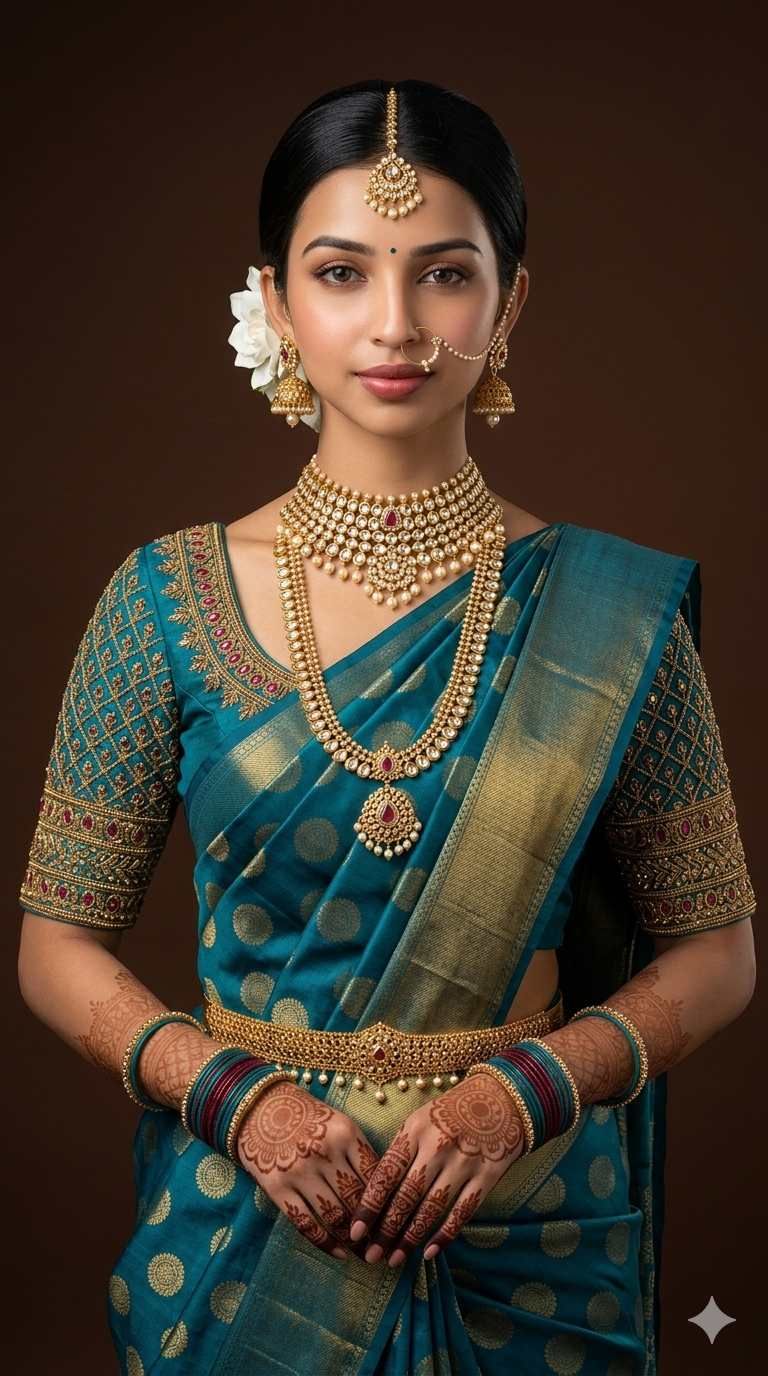
A photorealistic South Indian bridal portrait of BRIDE, a beautiful Indian bride with sleek black hair pulled back in a low bun with a single white gardenia flower accessory, wearing a rich teal blue Kanjivaram silk saree with gold circle zari buttas and a heavily embroidered matching teal blouse with gold zari and ruby stone work, wearing elaborate gold kundan bridal jewelry including a layered kundan choker necklace with pearl drops, long gold haaram with ruby pendant, gold maang tikka, gold jhumka earrings, a pearl nose chain nath, gold hip belt, teal and maroon bangles, and intricate mehndi on both hands, standing against a deep warm brown solid studio background, looking directly at the camera with a soft confident expression. The bride's face is 100% identical to the uploaded reference image — same facial structure, same deep eyes, same skin tone, same lips. Professional studio lighting, ultra-realistic bridal photography, cinematic quality. Aspect ratio 9:16. Geminiaiphotoprompt.in
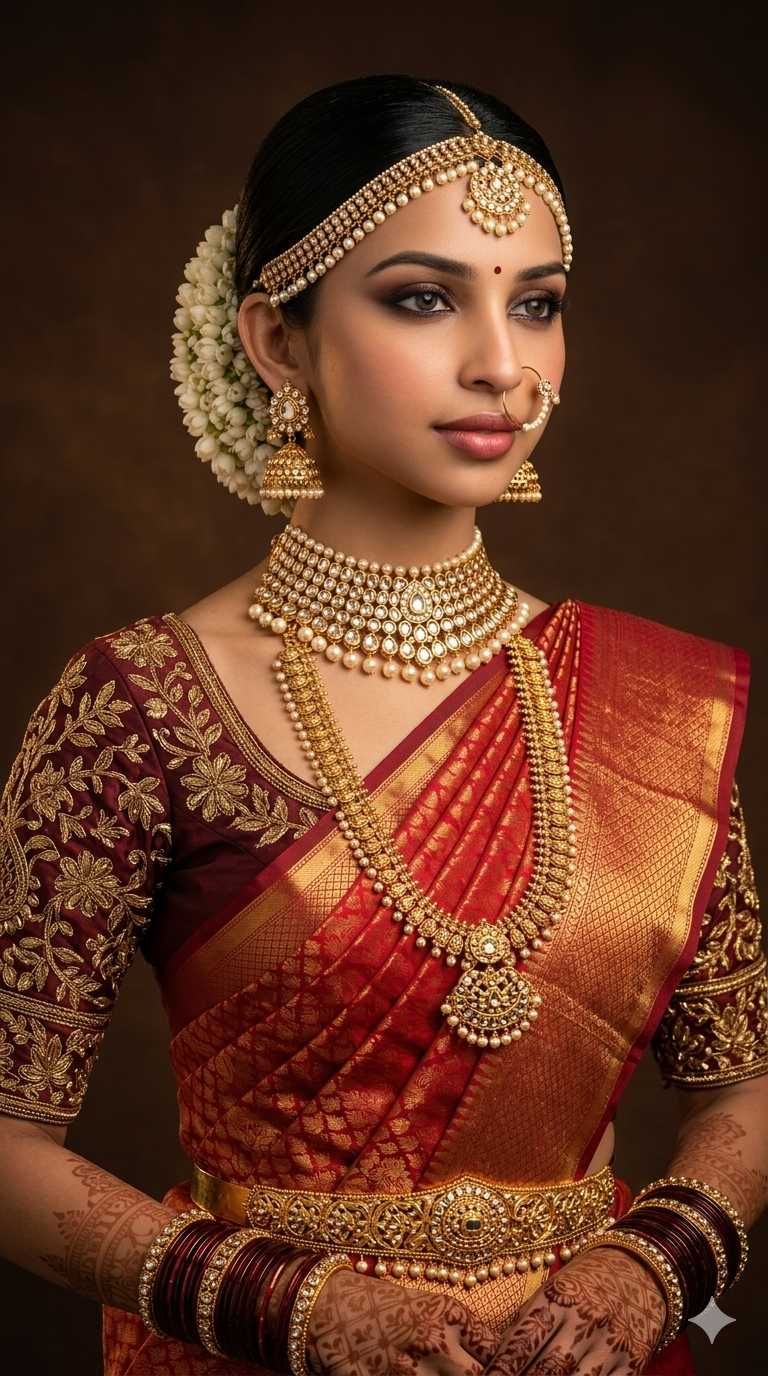
A photorealistic South Indian bridal portrait of BRIDE, a beautiful Indian bride with jet black hair neatly slicked into a low bun adorned with a cluster of white jasmine flowers, wearing a rich red and gold Kanjivaram silk saree with heavy gold zari butta weave and a deep maroon heavily embroidered gold zari blouse with floral motifs, wearing a full gold bridal jewelry set including a wide pearl and kundan choker necklace, long gold temple haaram, gold pearl mathapatti headpiece, large gold jhumka earrings, a nath nose ring with pearl chain, a broad gold waist oddiyanam belt, dark red and gold bangles with mehndi on both hands, posed inside a warm dark brown professional studio, gazing slightly away from the camera with smoky eye makeup and soft pink lips. The bride's face is 100% identical to the uploaded reference image — same facial structure, same eyes, same complexion, same sharp features. Warm moody studio lighting, ultra-realistic South Indian bridal photography, 8K cinematic detail. Aspect ratio 9:16. Geminiaiphotoprompt.in